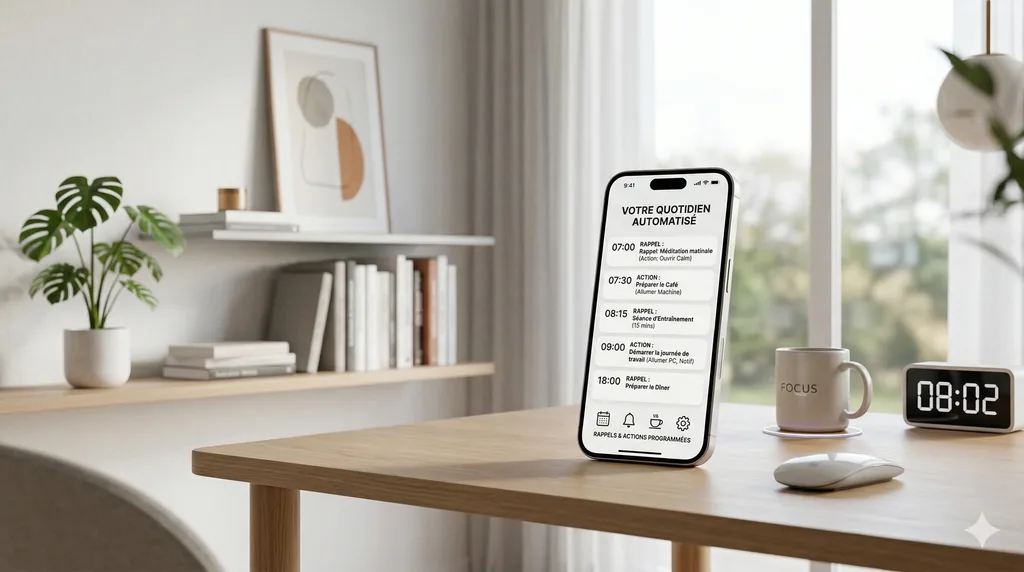
The problem
We forget things. Calling the plumber back, taking a medication, following up with a client on Friday. Reminder apps exist, but you have to open the right one, pick the date, the time, the repetition. And some things aren't reminders: you'd like someone to do the research for you every Monday, or to tell you as soon as a specific e-mail arrives.
What I wanted
I wanted you to say it the way you would to a person, “remind me tomorrow at 9 a.m. to call Mary”, and let LIA take care of the rest. I also wanted to separate two needs. A reminder alerts you at a given moment. A routine puts LIA to work: it carries out an instruction and gives you the result.
Reminders
You speak in everyday language: “in 30 minutes”, “Friday at 2:30 p.m.”, “tonight at 8”. LIA understands the time in your time zone and shows you the exact date on a card: the reminder is only created after you approve. A reminder can also repeat: every day at 8 a.m., on Mondays and Thursdays, on the 15th of each month, every two hours between 9 a.m. and 5 p.m., until a date or for a number of times. After each notification, LIA prepares the next one; when none are left, the reminder disappears. You can list them, cancel one by its number or its subject, and LIA shows you the list before deleting several at once.
When the time comes, LIA writes a short sentence with the personality you chose for her, drawing on what she knows about you. It goes out as a notification on your devices, even with the app closed, and stays in your conversation. If that sentence can't be written, you still get your reminder as you asked for it. And if your usage budget is used up at that moment, the reminder isn't lost: it waits and goes out as soon as you're no longer blocked.
Routines
A routine has a title, an instruction and a single clock. Either a schedule: “look up today's weather” every morning at 7 a.m., “summarize the AI news” on Monday, Wednesday and Friday. Or a condition: an overdue task, an e-mail matching a filter, an upcoming appointment, a document added, a change in the weather. In that case, LIA checks the source on her own, day and night, and only runs the routine if something new shows up: the same e-mail doesn't trigger it twice, and a check that finds nothing creates nothing.
On the home page, an unread e-mail offers to watch for its sender's reply: LIA creates a routine that tells you as soon as they write, with a reminder of what it was about. Each routine has a button to try it right away, and a week view shows what ran, what failed and what's waiting.
When the clock changes
Everything is stored in universal time and displayed in your time. If you change time zones, your reminders and routines follow your local time: your 8 a.m. reminder keeps ringing at 8 a.m. wherever you are. The days of a repetition are computed one by one, so a switch to daylight saving time doesn't skip any of them.
The limits
- A routine runs without you. So it refuses any action that would need your confirmation, and says so. It can, however, write to your own address or call you on your verified number.
- A routine that fails several times in a row pauses itself. You turn it back on once the problem is fixed.
- When your usage budget is reached, routines wait, then resume when it renews.
- What a condition detects at night is announced at night: routines have no quiet hours.
- Asking for a routine in the chat creates a scheduled routine. For condition-based monitoring, use the editor or the e-mail card.
- The number of routines is capped by your instance.
Read more: When LIA takes the initiative: useful notifications that don't overwhelm you; Staying in control without being bothered: how LIA asks for your approval.