The problem
Your mail may be on iCloud because you have an iPhone, your work calendar on Outlook, your tasks in Microsoft To Do. An assistant that only talks to Google leaves you choosing between moving your data and doing without it. And an assistant that talks to several services without aligning them answers you differently depending on where the information lives.
What I wanted
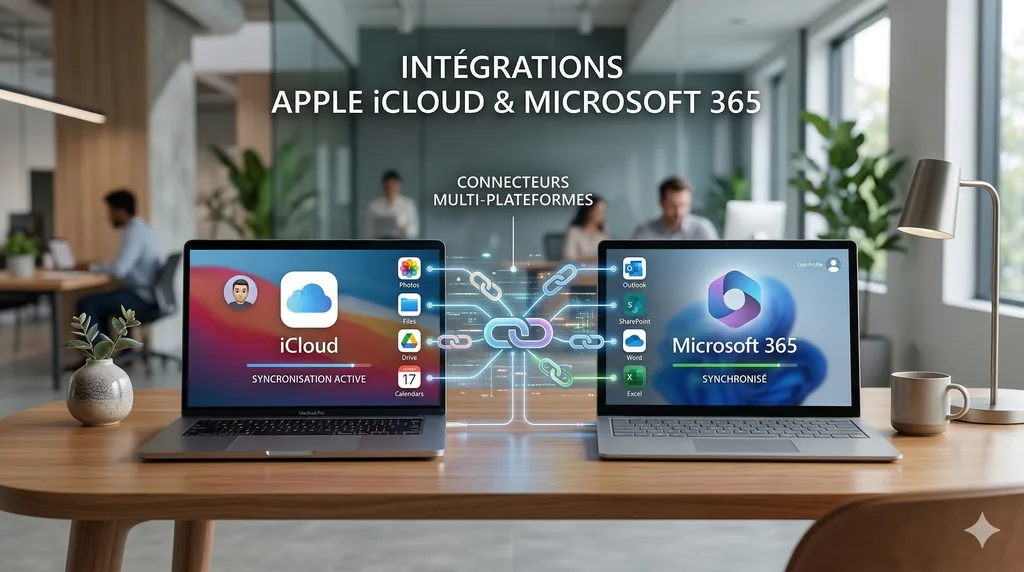
I wanted you to say “my emails”, “my calendar”, “my contacts” or “my tasks”, and have LIA look in the right place without you having to say where. For each category, you choose a provider: Google, Apple or Microsoft. And you can mix them, for example Outlook for mail, iCloud for the calendar and Microsoft To Do for tasks.
Connecting to iCloud
Apple doesn't offer an authorization page that would let another application read your iCloud mail. So LIA uses an app-specific password: a code you generate in your Apple account settings, separate from your real password, that you can revoke at any time. Two-factor authentication must be active on your account for this. LIA tests the connection before activating it, then encrypts this code before storing it.
Behind the scenes, LIA speaks the standard mail, calendar and contacts protocols (IMAP, CalDAV, CardDAV). It reads and sends your emails, and manages your events and your address book. Apple Reminders isn't available: Apple offers no standard way to reach it from a server.
Connecting to Microsoft 365
With Microsoft, you sign in on Microsoft's own page, as with Google: LIA doesn't see your password and only receives access you can revoke from your Microsoft account. A personal account (Outlook.com, Hotmail) and a work account both work. You can authorize Outlook, the calendar, contacts, To Do and OneDrive in one go, then disconnect just one of them. OneDrive works like Google Drive, and Outlook's automatic replies and rules are set by hand or by asking LIA.
One way to ask
Each provider describes an email or an appointment in its own way. If LIA carried these differences along, your answers would depend on them. So I chose to bring everything to the same shape as soon as it arrives: an email comes in as clean text, without quoted history or signature, with the same fields, whether it comes from Gmail, Outlook or iCloud. Everything that follows, the reading, the digests, the cards in the chat, no longer sees the difference.
Same for the calendar. The three services don't search the same way: one searches everywhere, another only in the event's subject. When you ask for “my lunch with Claire next week”, LIA reads the period itself and searches it everywhere in the same way: title, location, organizer and attendees, ignoring capitals and accents. The result tells you what it searched for, and whether it found anything.
The approval rules are the same too. Anything that goes out to someone, changes an appointment or a contact, or deletes goes through a confirmation card, whatever the provider. A sort one gesture undoes happens at once, and your drafts can be kept, touched up or thrown away freely in Outlook and iCloud, just as in Gmail. Only sending them asks for your approval.
Open Tools when you want to do something yourself: mail, calendar, tasks, contacts, files and Hue lights are available through the services you connected. You click, edit and send directly, without an AI call, and yellow stars ask LIA to sum up or write when you want, its cost shown. Each screen offers only what its provider supports; actions you take there belong to you and do not enter LIA’s activity registers.
The limits
- One provider per category. Activating Outlook for mail deactivates Gmail or iCloud for mail. The old one isn't deleted: you can switch back whenever you want.
- No tasks on the Apple side: for a task list, you need Google Tasks or Microsoft To Do.
- An app-specific password doesn't expire, but it stops working if you change your Apple account password or revoke it. You'll then have to create another one.
- Your files live on Google Drive or OneDrive, one at a time, whatever your mail. Apple has no files connector.
Read more: Gmail, Calendar, Drive: what LIA does with your Google account; Your documents, one question away: knowledge spaces.